OpenClaw: The AI That Lives in My House

Share
You are reading a blog post that was partially written, translated into three languages, formatted, and published by the system I am about to describe.
Not metaphorically. The draft was generated, reviewed, and committed through an automated pipeline. I looked at it, approved it, and merged it. That is the full extent of my involvement in producing it.
That felt like a reasonable place to start.
The Coordination Problem
After a few months of running the tools from the previous post, a different kind of friction appeared.
Not access friction. Not payment friction. Coordination friction.
Claude doesn’t know what Perplexity found last week. Perplexity doesn’t know what I’ve been building. ChatGPT doesn’t know either. Every conversation starts from zero. Every tool is an island.
The more I used them, the clearer the bottleneck became. It wasn’t the AI. It was me, reading across tools, synthesising across sources, routing information from one context to another by hand.
At some point I became the integration layer. That’s a bad job to have.
OpenClaw is what replaced that.
What OpenClaw Is
OpenClaw is an open-source agent runtime. Install it, connect it to model providers and integrations, and it runs as a persistent process on whatever machine you point it at.
What makes it different from a chat interface: it keeps running when you close the browser. You message it and it responds. It also runs scheduled tasks without you asking.
Two kinds of work. Invoked tasks: you send a message, it does something, it reports back. Scheduled tasks: it runs on a timer, completes a job, and surfaces the result wherever you’ve set up to receive it.
For me that’s Discord. Jobs complete, results appear in channels, I review them. The agent never publishes anything on its own — that boundary is a deliberate design choice, not a limitation. More on that in the next post.
Getting It Running
Most setup guides start at the wrong level. You don’t need a home server. You don’t even need a spare machine.
Home server
A repurposed old PC works fine. Mine has been running for months without issues. Zero cloud bill, full data control, always on. If you have a spare machine, it’s the cheapest path.
Worth clearing up: when OpenClaw first launched, a lot of people went out and bought Mac Minis specifically to run it. That’s overkill. A basic VPS at a few dollars a month is enough. The runtime is lightweight; the machine doesn’t matter much. What matters is the models you connect to it. Cloudflare built Moltworker to prove the point — if you want to run this with zero hardware, you can.
The setup is documented in the OpenClaw repo. Short version: install the runtime, configure your model providers, connect a messaging channel.
Cloud
All the major cloud providers now have official deployment guides.
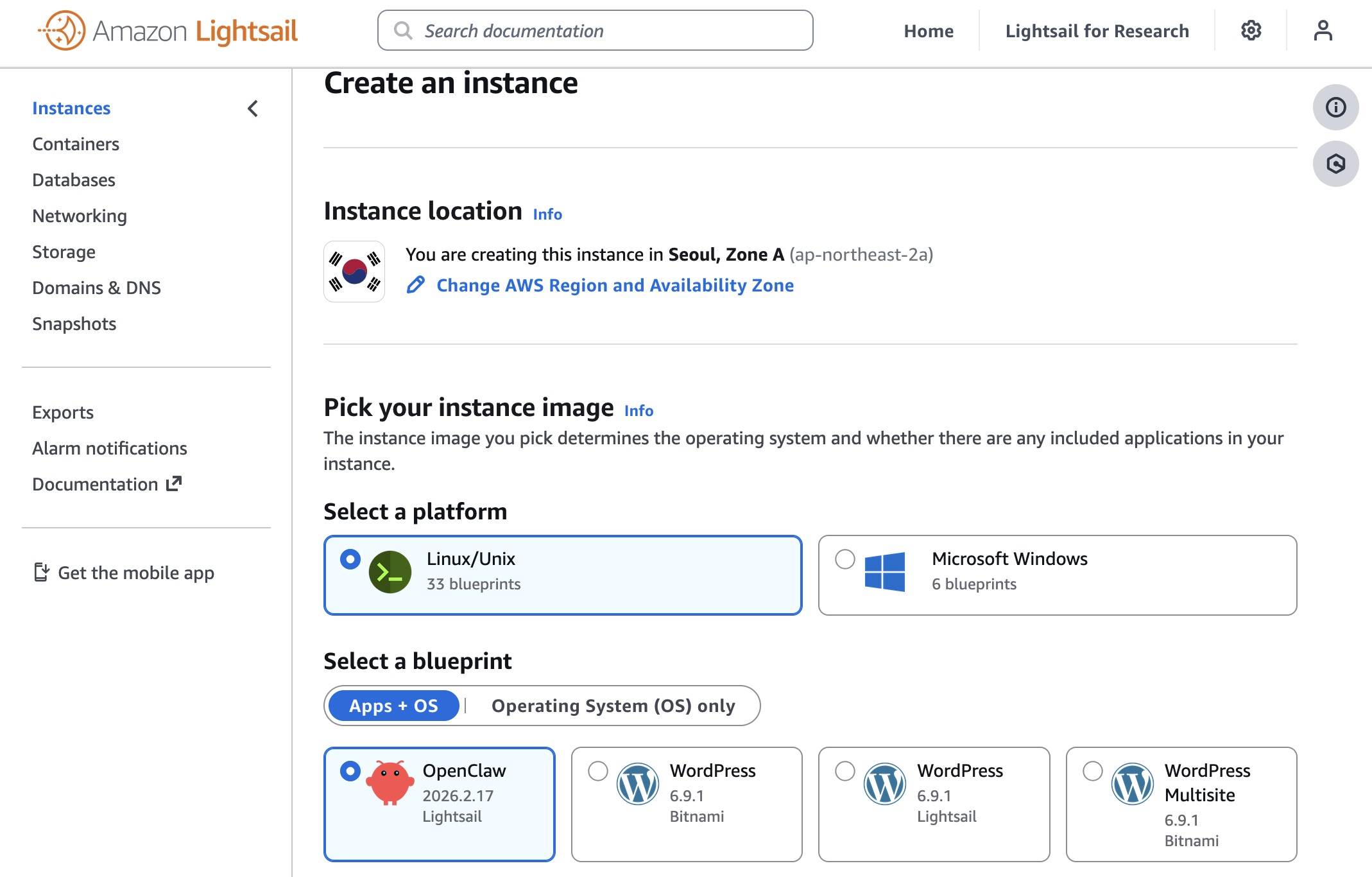
AWS Lightsail is the most documented option. Amazon’s guide: Introducing OpenClaw on Amazon Lightsail. There’s also a sample repo for Bedrock integration: aws-samples/sample-OpenClaw-on-AWS-with-Bedrock.
Cloudflare Moltworker is Cloudflare’s version, built on Moltbot (the open-source framework OpenClaw runs on). No server, no hardware at all. It uses R2 for storage, Browser Rendering for web automation, and AI Gateway to manage model routing. You need a Workers Paid plan (~$5/month) plus your own model API keys. Your data lives with Cloudflare, which is the tradeoff. github.com/cloudflare/moltworker | blog post.
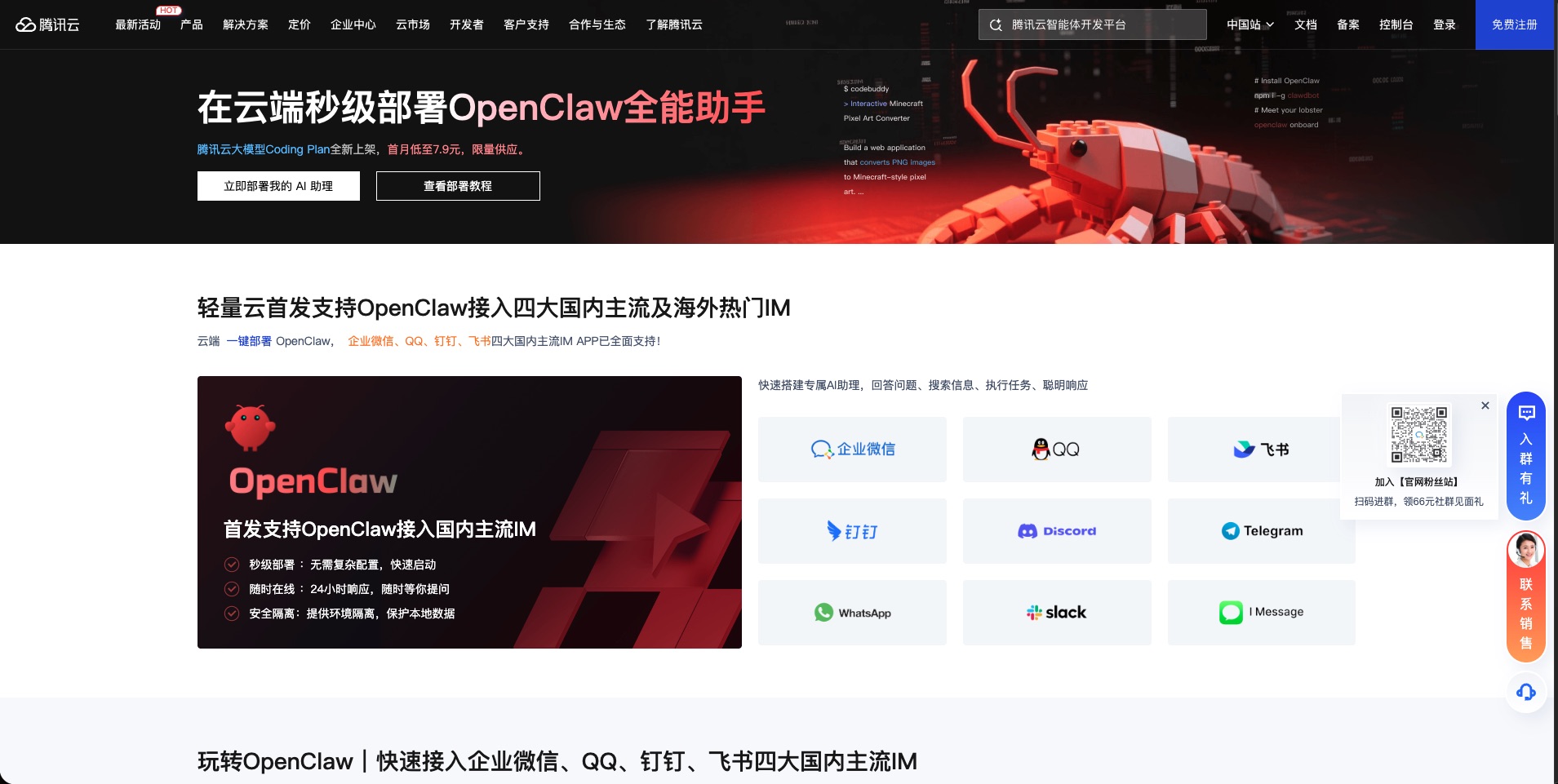
Tencent Cloud one-click deployment: cloud.tencent.com/act/pro/openclaw.
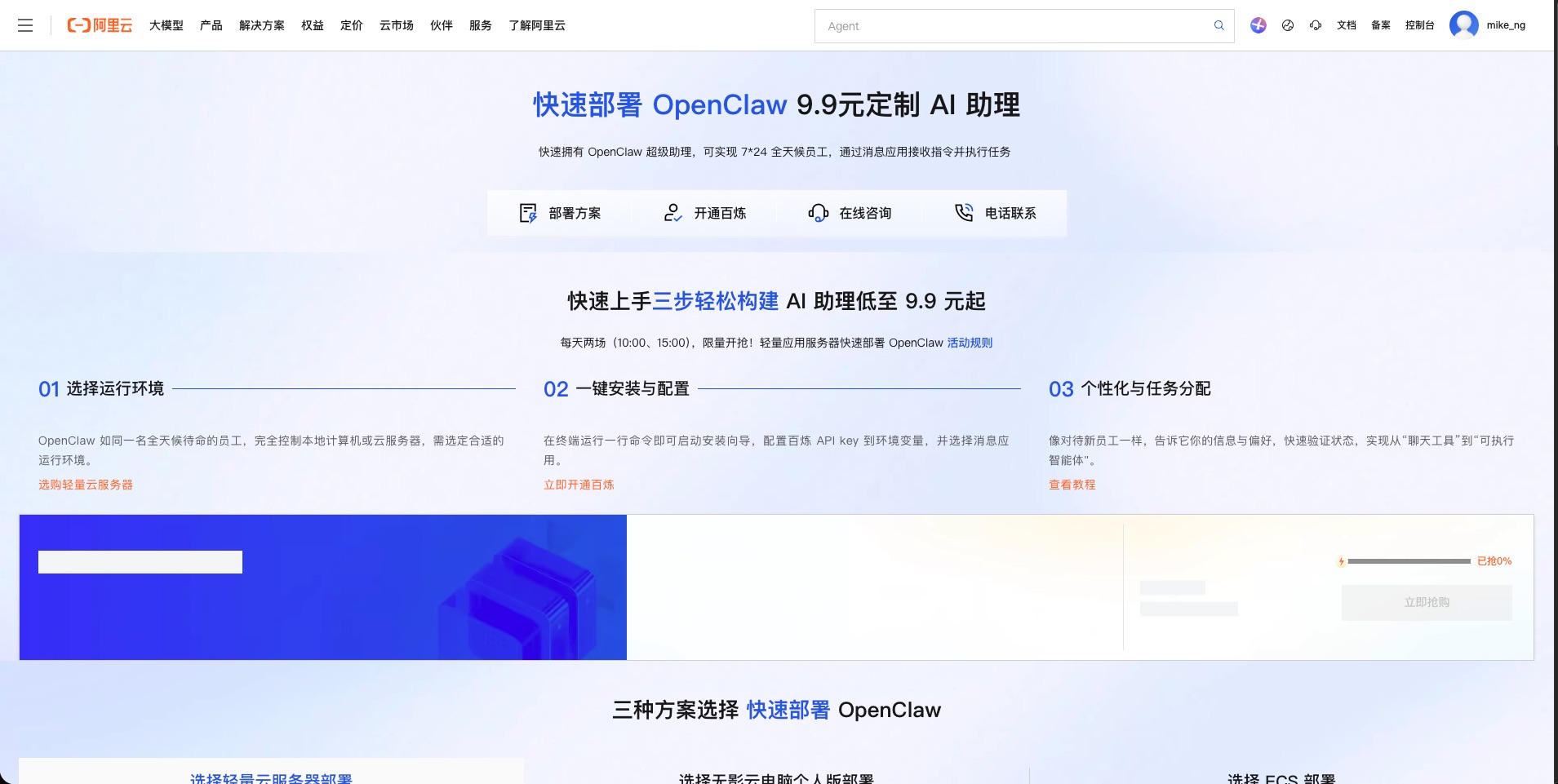
Alibaba Cloud (international): deploy OpenClaw on Alibaba Cloud.
AliYun (China): Moltbot on AliYun | Model Studio guide. Same company as Alibaba Cloud, different jurisdiction. AliYun calls it Moltbot — same framework, China infrastructure.
WeChat path
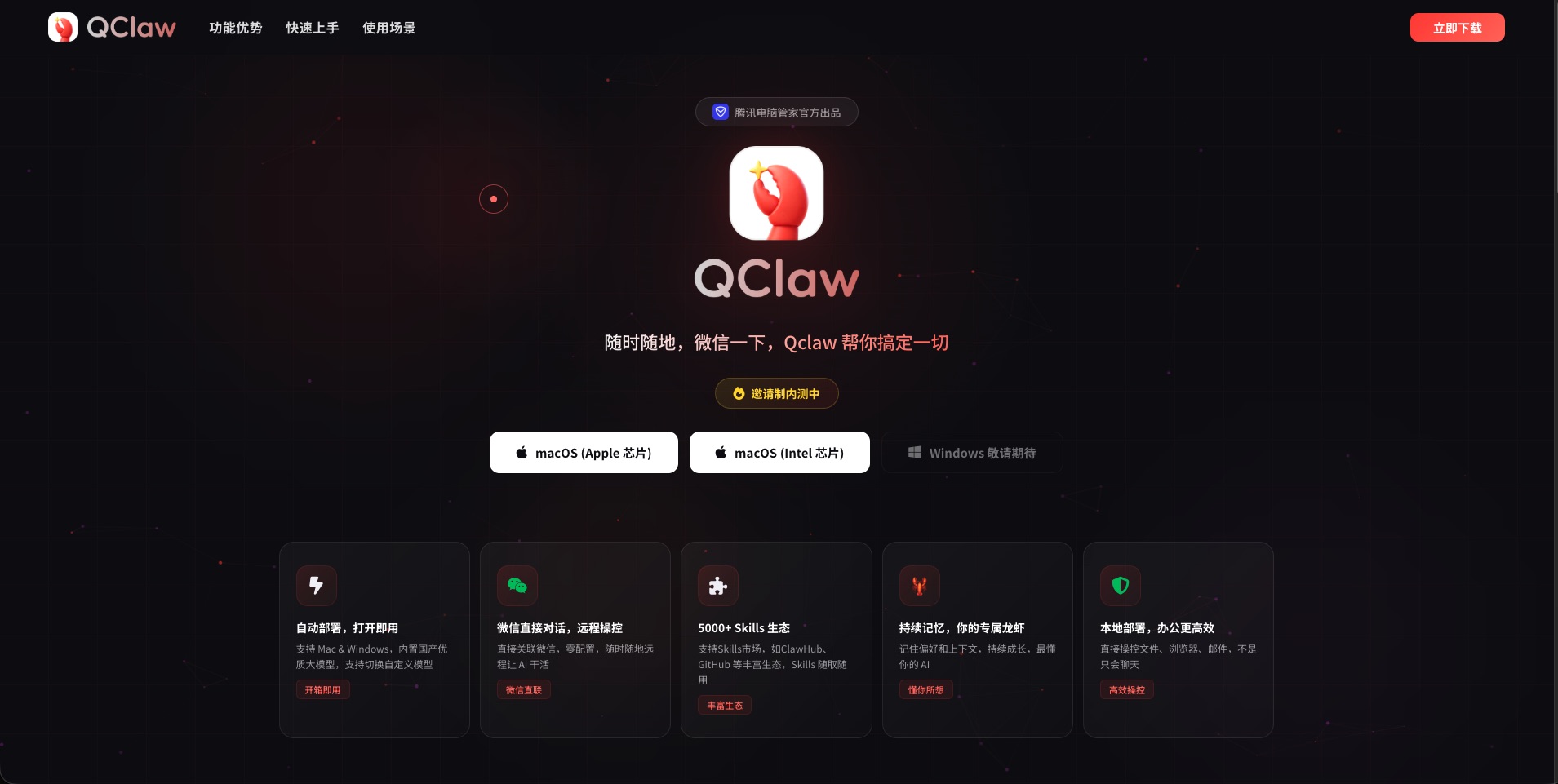
If you’re in China and already live in WeChat, QClaw from Tencent QQ skips the setup entirely. The agent is just a contact you message. No server, no config.
Tencent’s Shenzhen HQ had over a thousand people queuing to install it. That tells you something about what zero friction actually means for WeChat users.
The Model Problem
This is what I got wrong first, and what most people underestimate.
The model you connect to OpenClaw determines whether the whole thing feels responsive or broken. It is not a minor decision.
I tried routing tasks through GLM 4.7 and GLM 5.0. Both are capable models. The problem is latency. A simple question that Claude or GPT-5.4 answers in a few seconds took a full minute to come back. For a chat interface, annoying. For a system running scheduled jobs and handling your messages throughout the day, it falls apart fast.
The failure mode sneaks up on you. You send a message and wait. Is it processing? Is it stuck? You try again. Now there are two requests queued. Eventually you’re waiting three minutes for something that should have taken five seconds. At that point the system isn’t useful — it’s just a source of anxiety.
Fast and reliable does more useful work than powerful and slow. I had to break a few things to actually believe that.
For quality tasks — writing, reasoning, complex research — I use Claude Sonnet via claude.ai or the API. That’s the one not to economise on.
For volume tasks like classification, summarisation, or lightweight processing, open-source models are fast enough and much cheaper:
- AliYun Bailian Coding Plan — GLM-5, Qwen 3.5, Kimi K2.5, MiniMax M2.5; up to 90,000 requests/month at the lowest paid tier. China region, Alibaba data policies.
- Alibaba Cloud equivalent — same models, international jurisdiction.
- Tencent Cloud Coding Plan — similar pricing, Tencent infrastructure.
- Prefer to stay outside Chinese cloud entirely: OpenCode Go at $10/month, same model access.
For research that needs to be factually correct, I use the Perplexity Search API. It backs every answer with citations and doesn’t fill gaps with plausible nonsense.
One thing before you commit any model to a regular job: test response time with a simple prompt and a timer. Don’t rely on benchmarks. Latency under real conditions is what you’re actually buying.
What It Looks Like
By the time I open Discord in the morning, things have already happened. There’s a summary of what’s moving across the topics I follow — AI infrastructure, SRE, Web3, cloud. Draft posts for three social accounts. A snapshot from a private project I’ve been working on.
None of it is published. Everything lands in a channel. I read it, decide what’s worth using, and act on it.
What actually runs inside the pipeline, what each job does, and what a real morning of output looks like: that’s the next post.
This is part of a series on running an AI stack. The previous post covers access, payment, and subscriptions: The Hong Kong AI Setup. The next post covers what OpenClaw does — the research pipeline and what lands before you wake up.
Share