The Hong Kong AI Setup: Access, Payment, and the Tools I Actually Use

Share
Before You Read
There are plenty of free tiers and trial accounts to get started with AI. If you’re still at that stage, curious and exploring, not yet sure if any of this is for you — this post isn’t for you yet.
This post is for people who’ve moved past curiosity and want to build AI into how they actually work. That comes with real costs. Not outrageous ones, but costs that require a decision.
If the numbers in this post feel unreasonable, that’s useful information. It means the commitment isn’t there yet. That’s fine.
Come back when it is.
The Hong Kong Problem
The big three — ChatGPT, Claude, Gemini — are geo-restricted in Hong Kong. Grok and Perplexity work fine, but for anything from OpenAI, Anthropic, or Google, you hit walls before you even get started.
Three walls, specifically.
The first is registration. These services require a phone number, and Hong Kong numbers get rejected.
The second is network access. The services themselves are geo-restricted or unreliable from HK without routing help.
The third is payment. Most subscriptions are priced in USD, and Hong Kong-issued cards often get declined by foreign merchant processors.
All three are solvable. None of them is complicated once you know the answer.
Problem One: The Phone Number
Most people don’t think about this until they’re stuck halfway through registration.
Hong Kong numbers get blocked by most major AI platforms. The fix is simple if you travel: pick up a tourist SIM on your next trip out.
Japan, Malaysia, Thailand — nearly any tourist SIM from outside Hong Kong gives you a number that works for SMS verification on pretty much every AI service. HK people travel a lot. Grab one at the airport and keep it topped up.
I use a Malaysian Digi tourist SIM. Staying active costs roughly MYR 300 (around HK$600) a year.
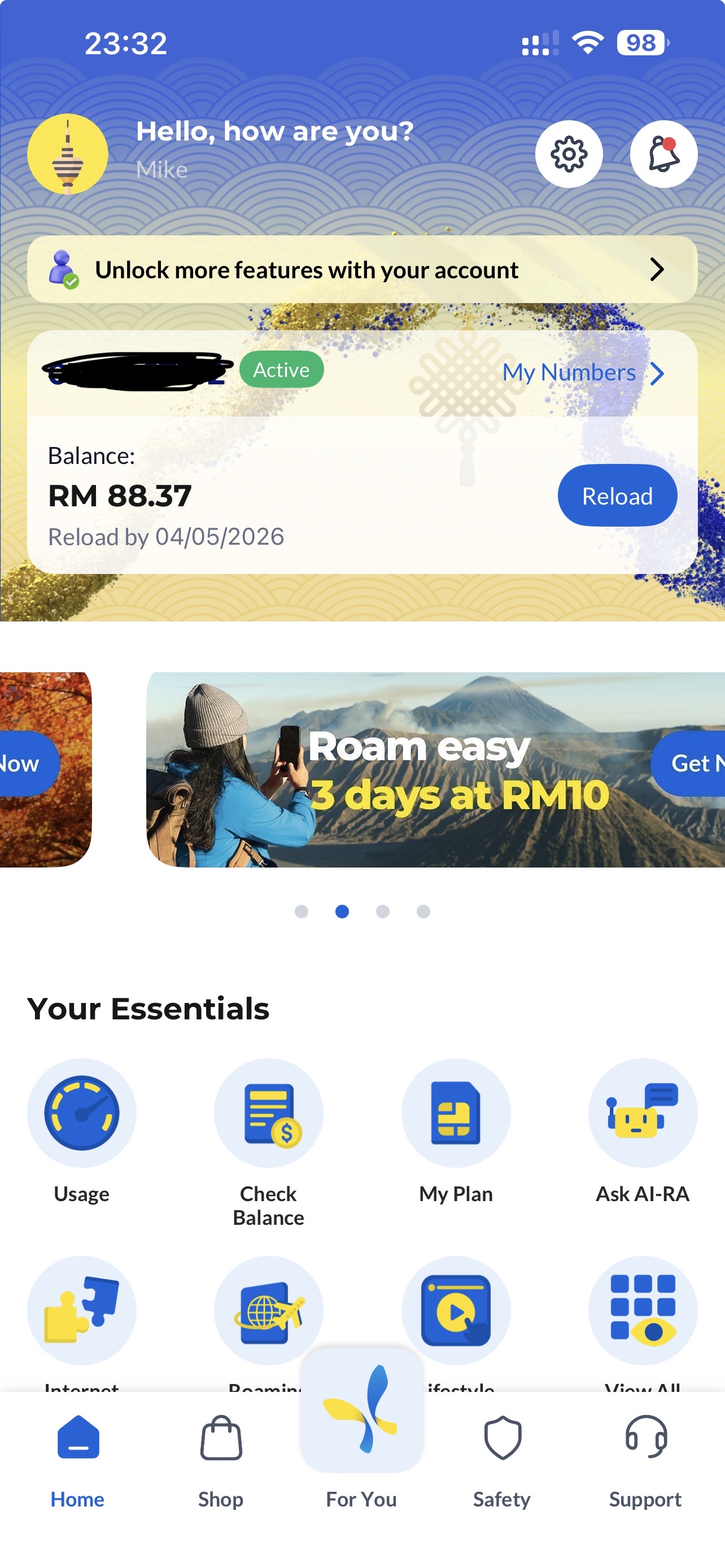
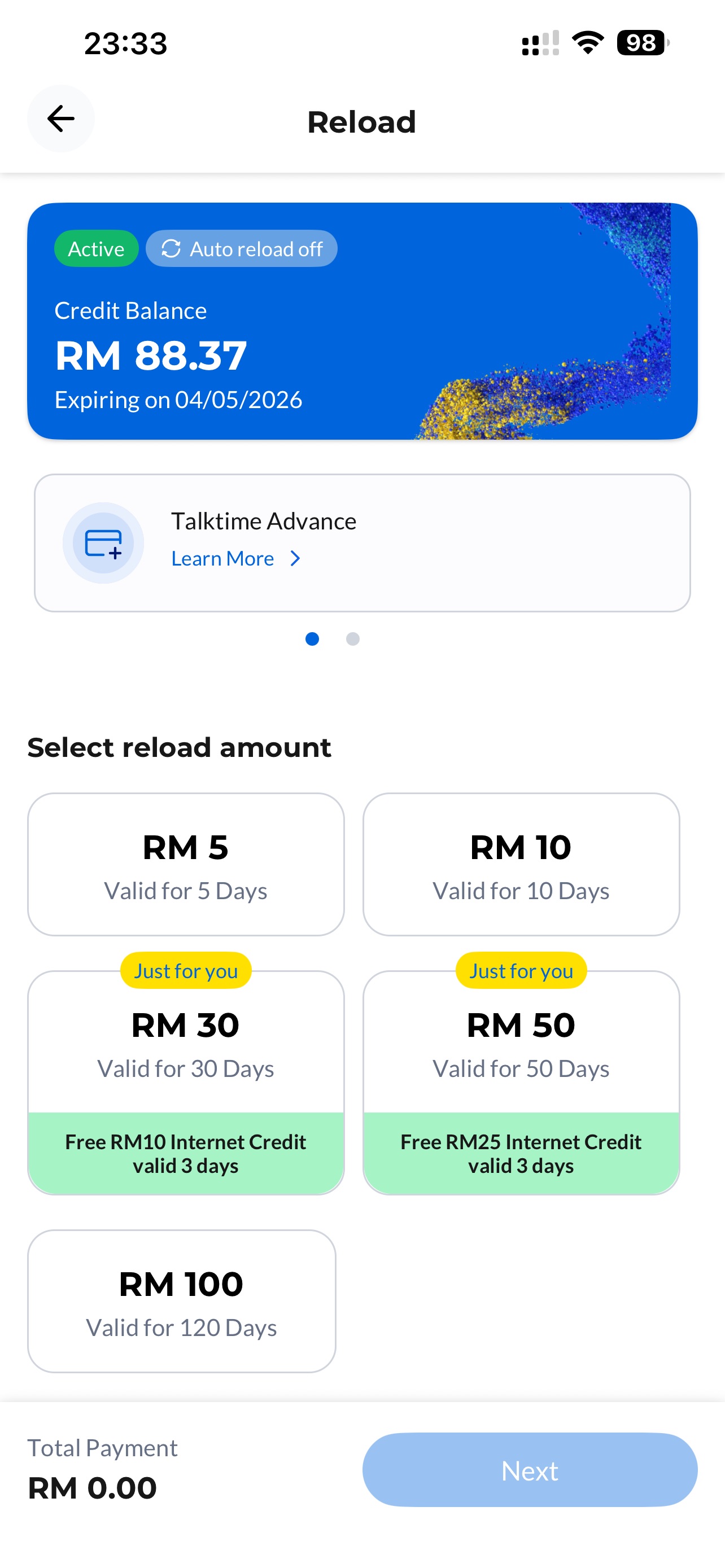
One number. Unlocks everything.
Problem Two: Network Access
The instinct is to grab a VPN. Resist it.
A VPN is a global proxy. All your traffic goes through it: your banking apps, local services, work tools, whether you want that or not. It’s blunt, it creates friction, and it slows everything else down.
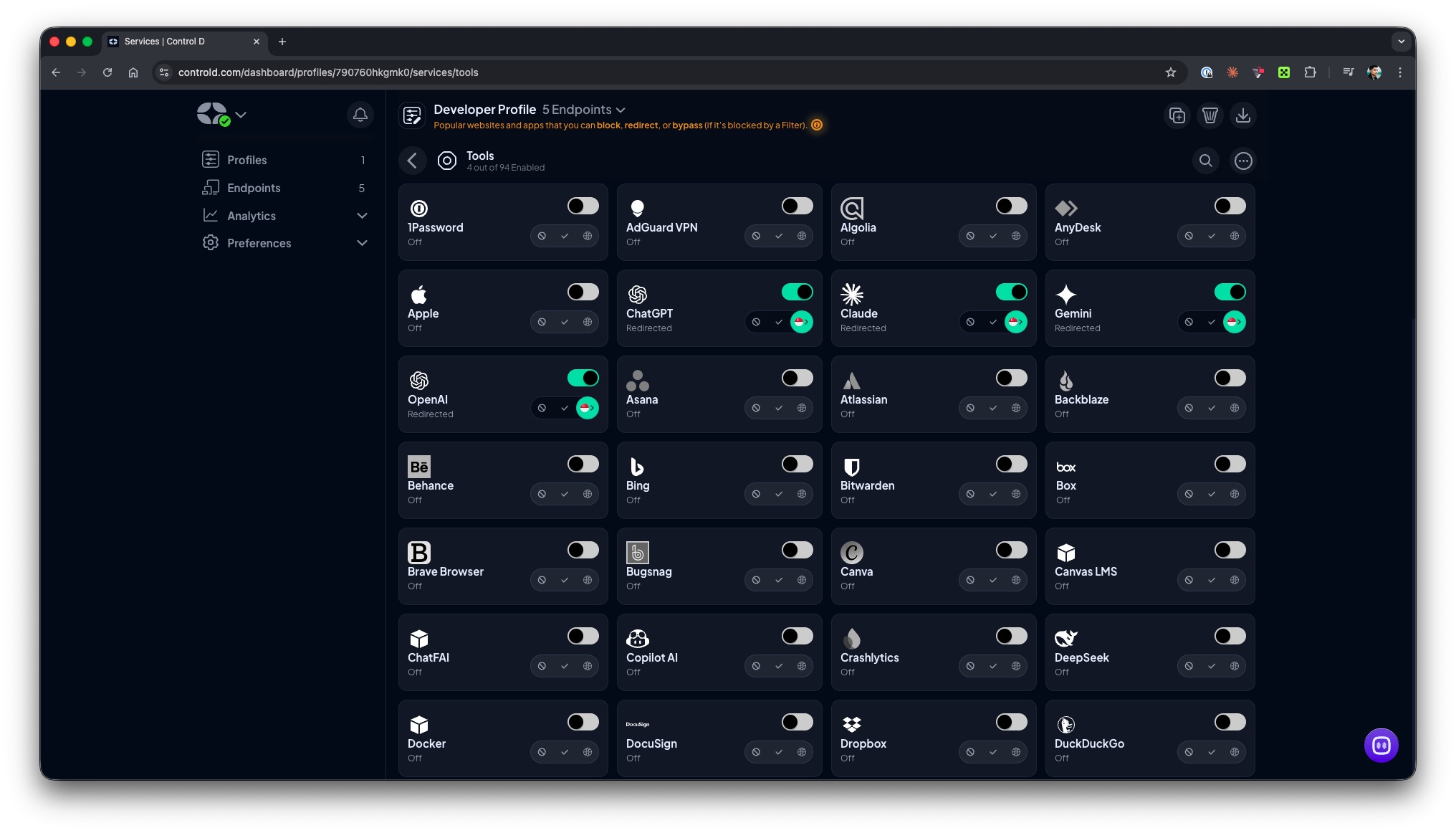
Control D works at the DNS level, which means it only routes the traffic you tell it to. Specific services go through specific regions. Everything else is untouched.
In practice, your AI tools think you’re somewhere else. Your bank doesn’t notice anything. No kill switches, no VPN anxiety, just selective routing running quietly in the background.
Redirecting services to specific regions requires the Full Control plan. That’s $4/month or $40/year.
Problem Three: Payment
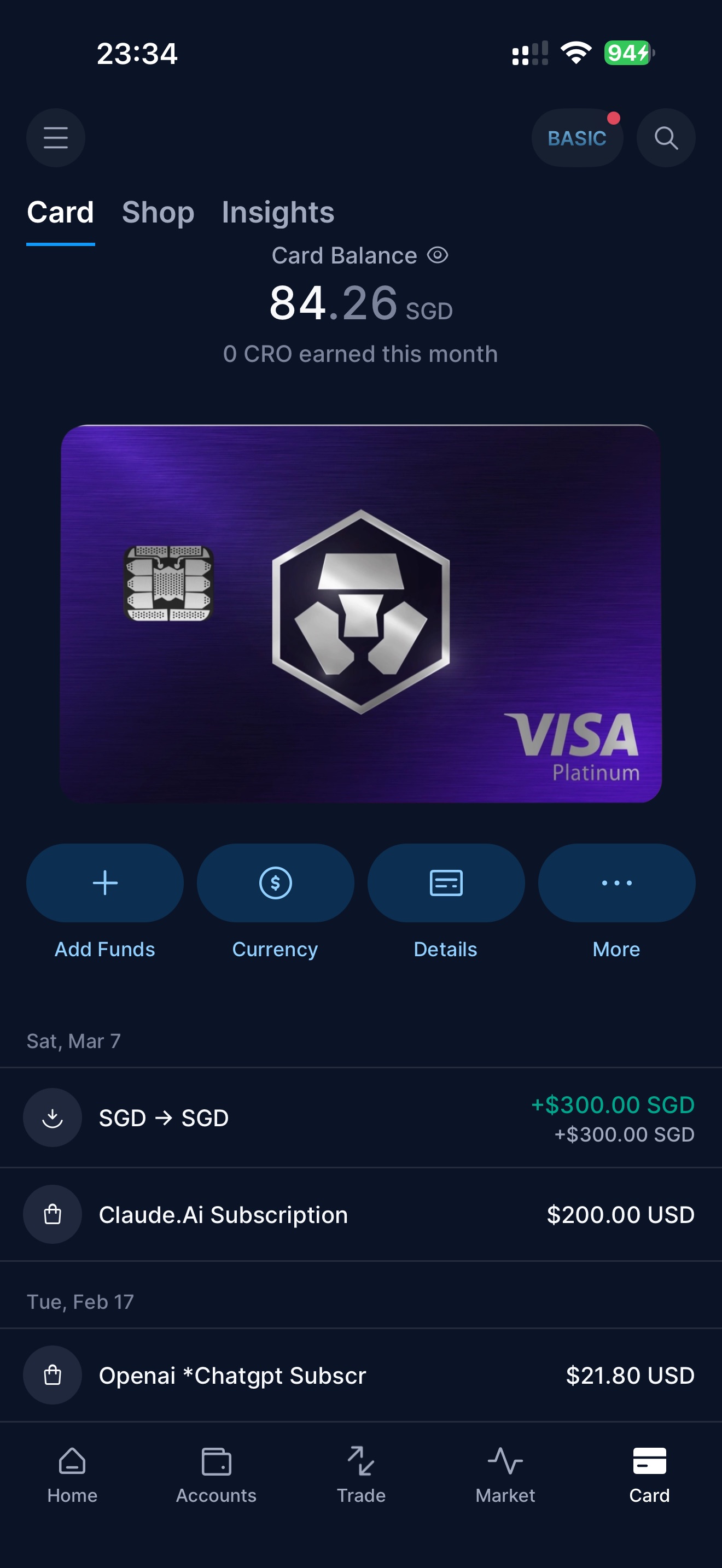
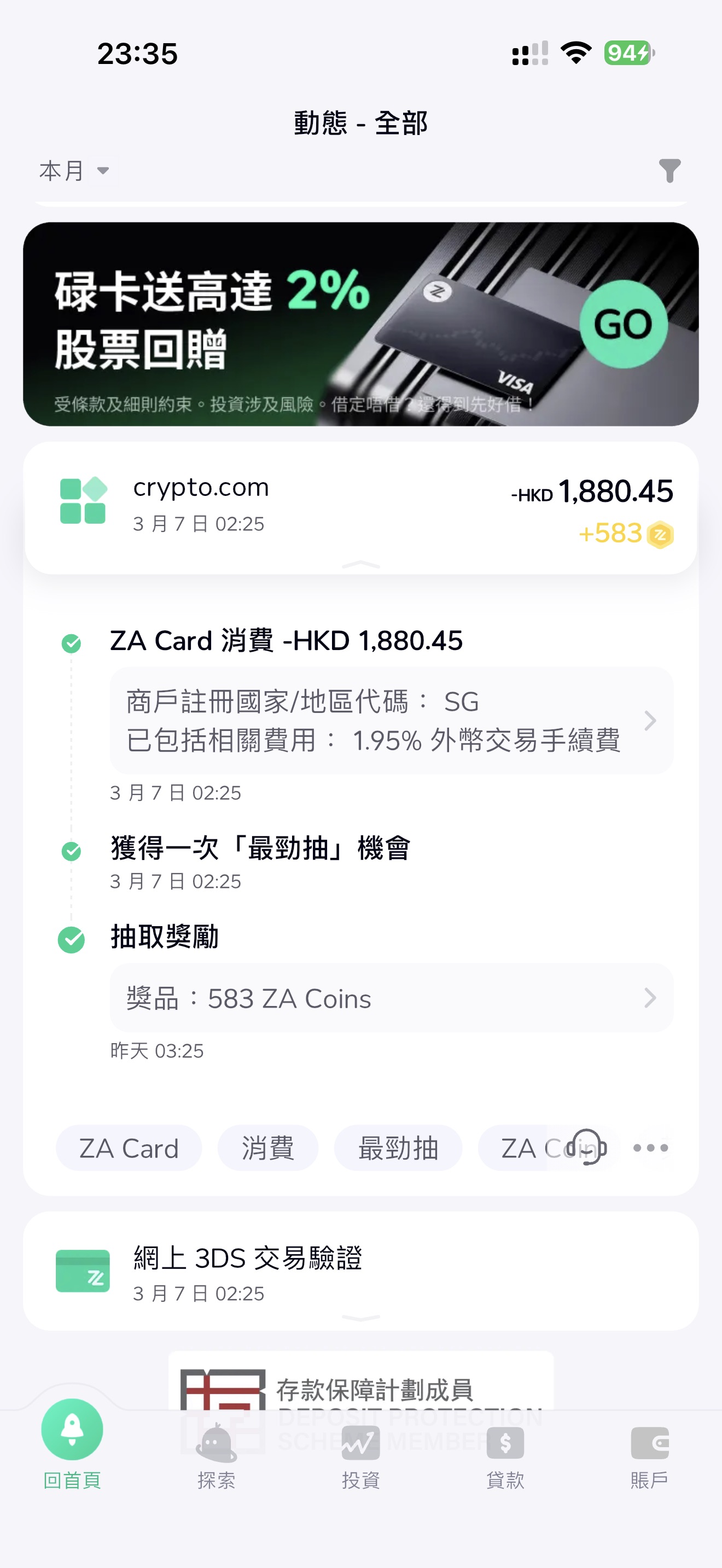
The solution I use is a crypto.com prepaid card.
There are a few tiers. The simplest entry point is the Midnight Blue: completely free, no staking, no monthly fee. If you want cashback rewards, the Ruby Steel costs $4.99/month (or you can stake $500 worth of CRO for 12 months to waive the fee). I’m on Royal Indigo, which required a $5,000 CRO stake for 12 months — that was years ago now, but that’s well beyond what you need just to pay for subscriptions.
The common assumption is that you need to deal in cryptocurrency to use it. You don’t. After setup, you top it up with a ZA Bank debit card. HK dollars in. The card itself is issued by Foris Asia (Singapore, MAS-licensed) and denominated in SGD.
What you end up with is a prepaid Visa card that works with any international merchant. It’s physical, steel, and it’s the only payment method I use for every subscription in this stack.
One caveat: I’m not certain whether Hong Kong residents can still register for crypto.com given how regulations sit right now. Check their eligibility page before going down this path. If it’s not available, a travel debit card or a friend abroad with a card may be your next option.
What I Subscribe To
With the three problems out of the way, here’s the actual stack.
ChatGPT ($20/month)
ChatGPT is for thinking out loud.
Brainstorming, talking through ideas, working on something I haven’t fully formed yet. It handles that kind of open-ended back-and-forth well. I don’t use it for technical work or anything that needs depth.
Fast, cheap, not for heavy lifting.
Claude Max ($200/month)
Claude is for everything serious.
Deep dives, technical work, writing, code. The $200 Max plan isn’t where most people start, but I use it heavily enough that it makes sense. Anything that requires actual thinking goes here.
I also use Claude Code, the CLI tool, for delegation: writing tasks, coding tasks, anything where I want an agent working through a problem rather than just answering a question. A private project I’ve been building is written almost entirely through Claude Code. This post was written with it too.
Aliyun Bailian Coding Plan (~¥39.9/month)
The Aliyun Bailian Coding Plan gives access to the main Chinese open-source models: GLM-5, Kimi K2.5, MiniMax M2.5, and Qwen 3.5. Up to 90,000 requests a month at that tier.
These models are solid, especially for agent workloads. Cheaper to run at scale than Western alternatives and they hold up well.
Worth flagging: Alibaba states that conversation data is collected and used for model training. If that bothers you (fair enough), there’s an alternative. OpenCode Go offers the same models for $10/month through a non-Chinese platform.
I use Bailian. I wouldn’t put anything sensitive through it, and you should make that call for yourself.
Perplexity Pro (free via CSL)
Perplexity is for fact-checking and research where the answer actually has to be correct.
What makes it different from a chat tool is that its answers are grounded in sources. Every claim has citations. It’s neutral in a way that’s genuinely rare, and it doesn’t fill gaps with plausible-sounding nonsense the way a language model will when it’s guessing.
Mine is free — CSL bundles a Perplexity Pro subscription with certain phone plans. If you’re on CSL, check whether yours includes it.
I also use the Perplexity Search API separately, to power automated research through OpenClaw. More on that in the next post.
Google Gemini (bundled with Workspace)
Gemini comes with Google Workspace. I have access to it. I barely touch it.
My workflow doesn’t involve much Google-native collaboration. No Docs, no Sheets. Email is about the extent of it.
NotebookLM is worth mentioning separately — if you’re a student or doing document-heavy research, it’s genuinely useful. It just doesn’t come up in my use.
Gemini CLI I’ve tried. Honest take: it underperforms the open-source models on Bailian at the same or lower cost. I wouldn’t use it as a dev or research backend.
The Input Problem
Typing is slow.
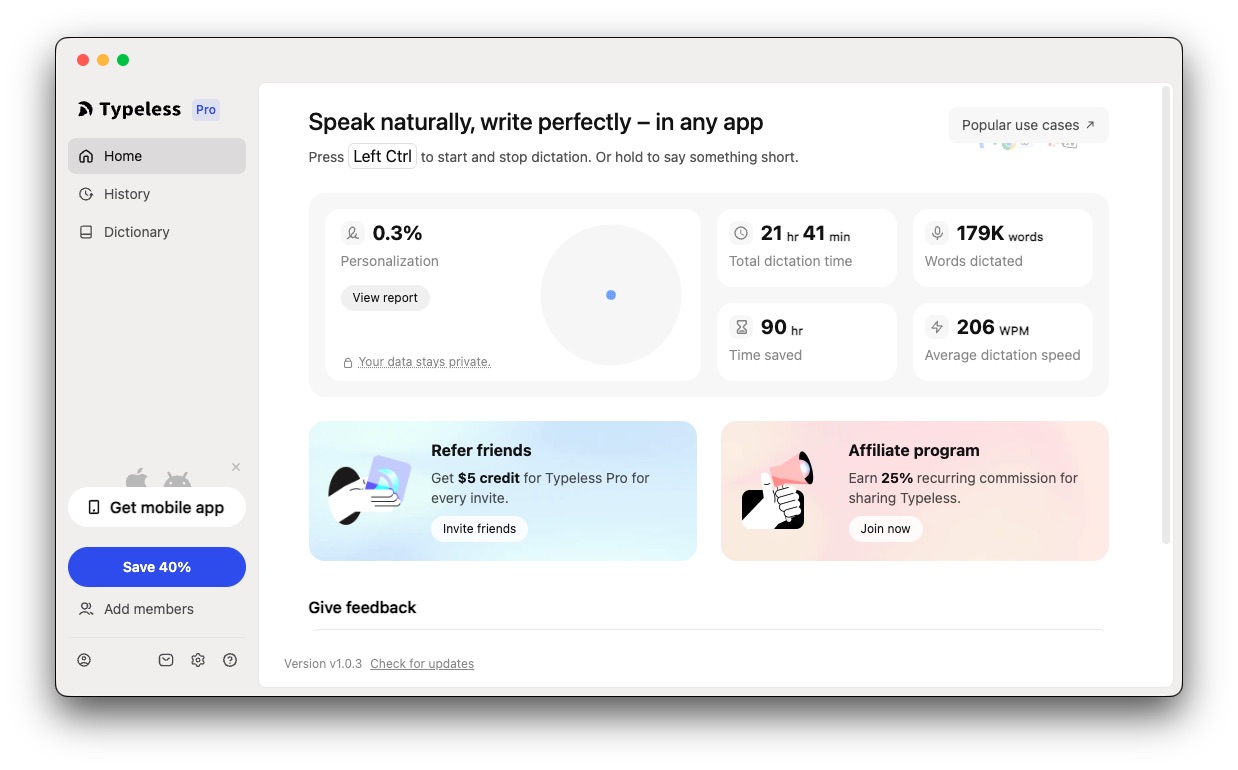
Most of my conversations with AI tools happen by voice. I use Typeless for voice-to-text input. It captures what I say and drops it into whatever text field is active. The friction of writing long prompts just goes away.
A few things to know before using it: the privacy policy isn’t particularly clear, audio is sent to their servers rather than processed on-device, and there are reports that the company is Chinese-owned. I use it knowing that. Make your own call.
For hardware, I use a Boya Mini 2, a compact mic made for vlogging. Earphones get awkward during long sessions. The Boya Mini clips on and stays out of the way.

The Terminal and CLI Layer
Beyond the subscriptions, a few tools handle the day-to-day.
Warp is my terminal. It’s an agentic development environment that runs Claude Code, Codex, Gemini CLI, and other models directly inside the terminal. The way I use it: application-layer problems go to Claude Code; host and system-level problems, the kind that would otherwise mean a lot of manual digging, go through Warp.
Codex CLI by OpenAI is for review and audit only. Second opinion on something already written, not for generating new work.
VS Code I keep installed to read Markdown documents. That’s its entire job.
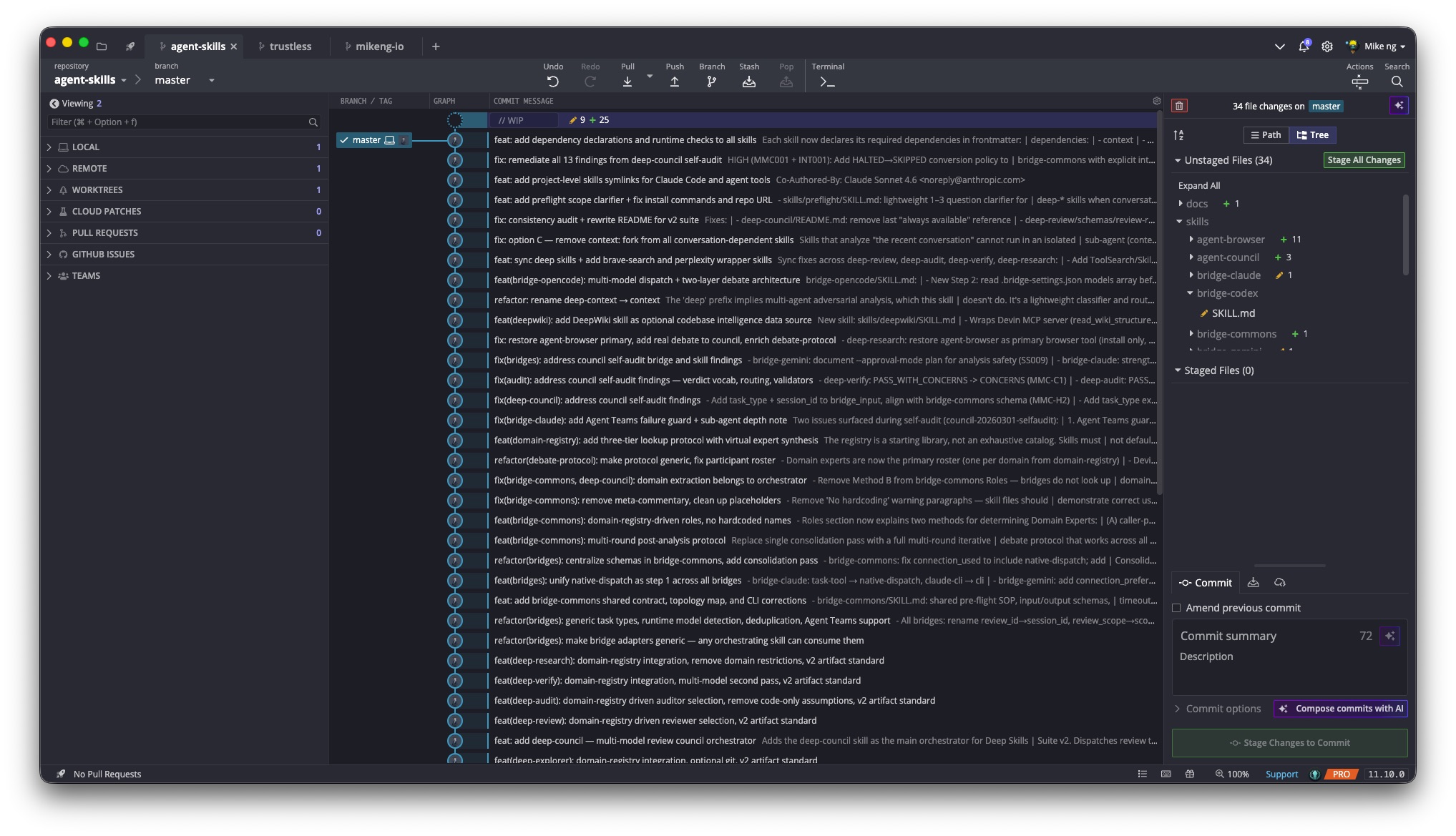
GitKraken is my Git client. The visual commit graph makes it easy to see what’s happening across branches at a glance — something the terminal doesn’t give you without effort. I use it for reviewing history, managing branches, and resolving merge conflicts. $96/year ($8/month).
What I moved on from
I used Cursor. Claude Code replaced it completely. Haven’t opened Cursor since.
Kiro is AWS’s answer to Cursor: a full AI IDE built around spec-driven development. Instead of just chatting with an AI, you write structured specs first, then the agent builds from them. It also has steering files (rules for the AI) and hooks (automations on triggers). Interesting approach, didn’t fit how I work. Both are worth knowing about, neither is in the stack anymore.
What This Makes Possible
That’s the setup. The interesting part comes next.
I run OpenClaw, a self-hosted agent system living on a home server, and the subscriptions in this post are what it runs on. Daily research tasks, automated pipelines, scheduled work that happens whether I’m at the keyboard or not.
That’s a different post. But it starts here.
This is part of a series on my AI setup. The next post covers OpenClaw: what it is, how it runs, and what I use it for.
Share